Single Circle Calibration
"Vision Calibration - Single Circle" is used to quickly calibrate the measurement scale of the current image using a standard circle of known actual diameter.
You only need to measure the standard circle once and enter its actual diameter. Based on the circle's pixel diameter in the image, Easson2D automatically calculates the current pixel-to-length ratio.
Opening the Function
Click:
Calibration Processing → Vision Calibration - Single Circle
to enter single circle calibration.
Measure the Standard Circle
Place the standard circle of known diameter in the image area, and adjust the focus so that the edge of the circle is clear.
Then click the left mouse button once on the circle.
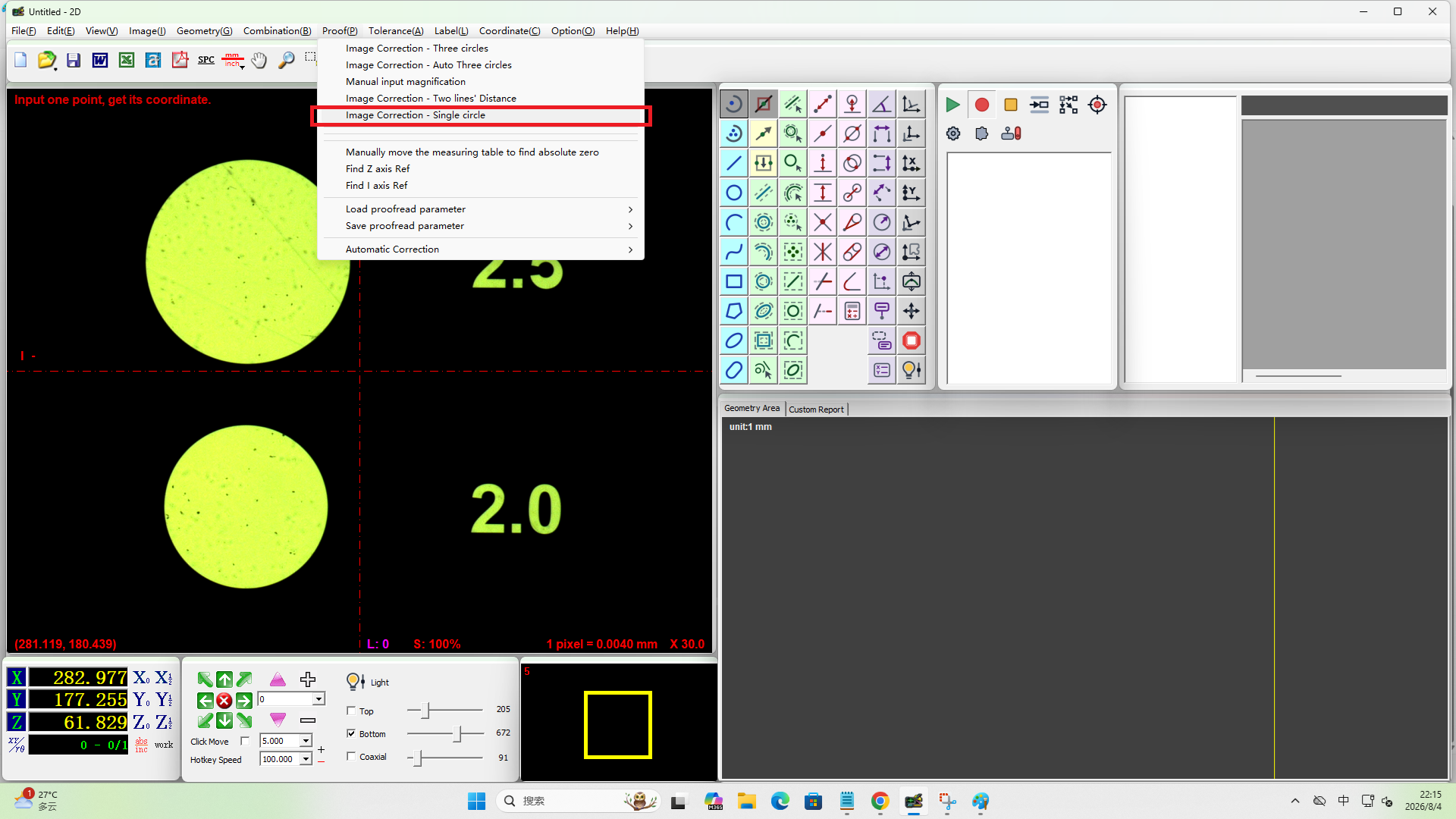
Easson2D automatically detects and fits the circle, obtaining the circle's pixel diameter in the image.
There is no need to manually acquire multiple points consecutively, and no need to right-click to end.
Enter the Actual Diameter
After the circle measurement, the software opens an input window and displays the detected circle diameter, for example:
The circle diameter is xxx pixel
Then it asks you to enter the actual diameter of the standard circle.
For example, if the actual diameter of the standard circle is:
10.000 mm
enter:
10.000
The input unit follows the current length unit of the software.
Complete the Calibration
After confirming the actual diameter, Easson2D calculates the current image scale based on:
Actual circle diameter ÷ pixel diameter in the image
The new scale is applied to both:
- The X direction
- The Y direction
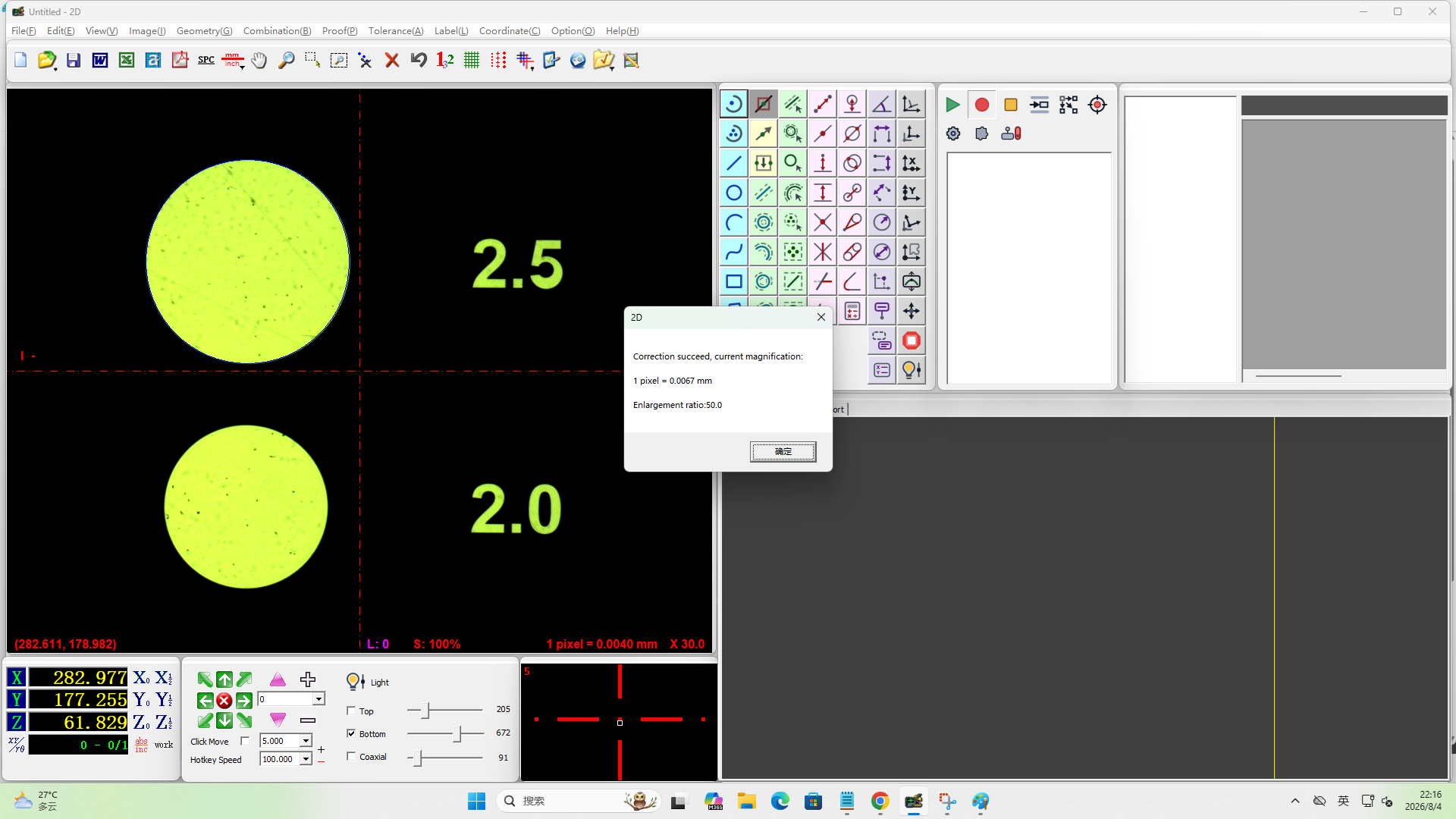
After calibration, the software displays the current:
1 pixel = xxx mm
and the corresponding magnification.
The calibration result takes effect and is saved immediately.
Basic Workflow
Calibration Processing → Vision Calibration - Single Circle → Place a standard circle of known diameter → Adjust the focus so that the edge is clear → Click the circle once with the left button → Enter the actual diameter of the standard circle → Confirm and complete the calibration
Usage Recommendations
When performing single circle calibration, it is recommended to:
- Use a standard circle with an accurate size
- Keep the circle outline complete and clear
- Adjust the focus before calibration
- Place the standard circle at a suitable position in the image area
- Ensure the entered actual diameter matches the standard circle being used
If you need to calibrate the X and Y direction scales separately, you can use "Vision Calibration - Two-Line Distance".
If you want to calibrate the scale using multiple positions in the image comprehensively, you can use "Vision Calibration - Four Circles".
In short:
Single circle calibration measures a standard circle of known diameter, then enters its actual diameter, and the software automatically calculates the current image scale.