Scale Readout
Overview
The scale readout area displays the current coordinate position of the machine center and provides several coordinate processing functions to quickly adjust and switch readout modes during measurement.
Button Descriptions
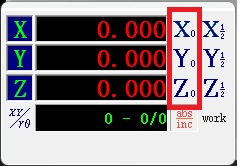
Zero
Resets the current scale readout to zero. After clicking, the current coordinate value becomes zero, and subsequent movements will use the zeroed position as the reference origin.
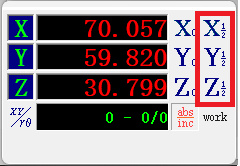
Half
Halves the current scale readout. Useful when you need to find the midpoint between two positions.
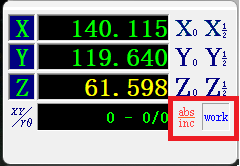
Coordinate System Toggle
Switches between absolute and incremental coordinate systems.
- Absolute: Displays absolute coordinates relative to the mechanical origin
- Incremental: Displays incremental coordinates relative to the last zeroed position
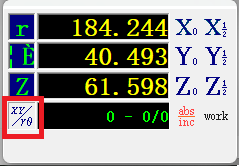
Coordinate Type
Switches between Cartesian and polar coordinate systems.
- Cartesian: Represents position using X and Y coordinates
- Polar: Represents position using angle and distance
Notes
- Zeroing changes the current coordinate reference point — confirm before executing
- Switching coordinate systems only changes the readout display and does not affect the actual machine position
- Polar coordinates are typically used for measurement tasks requiring angle and distance calculations