Set Path
Overview
Applicable Models
The Set Path feature is only available for SP fully automatic series models.
The Set Path feature records a specified position in the measurement program. When you click Position, Easson2D adds the current coordinates to the program list as a positioning step. When the program reaches this step, the device automatically moves to the recorded position.
This feature is commonly used to move between different measurement areas or to position the stage at a specified location before executing subsequent measurement steps.
Basic Workflow
- Move the stage to the position you want to record
- Click Position
- The current coordinates are automatically added to the program list
- When the program reaches this step, the device automatically moves to that position
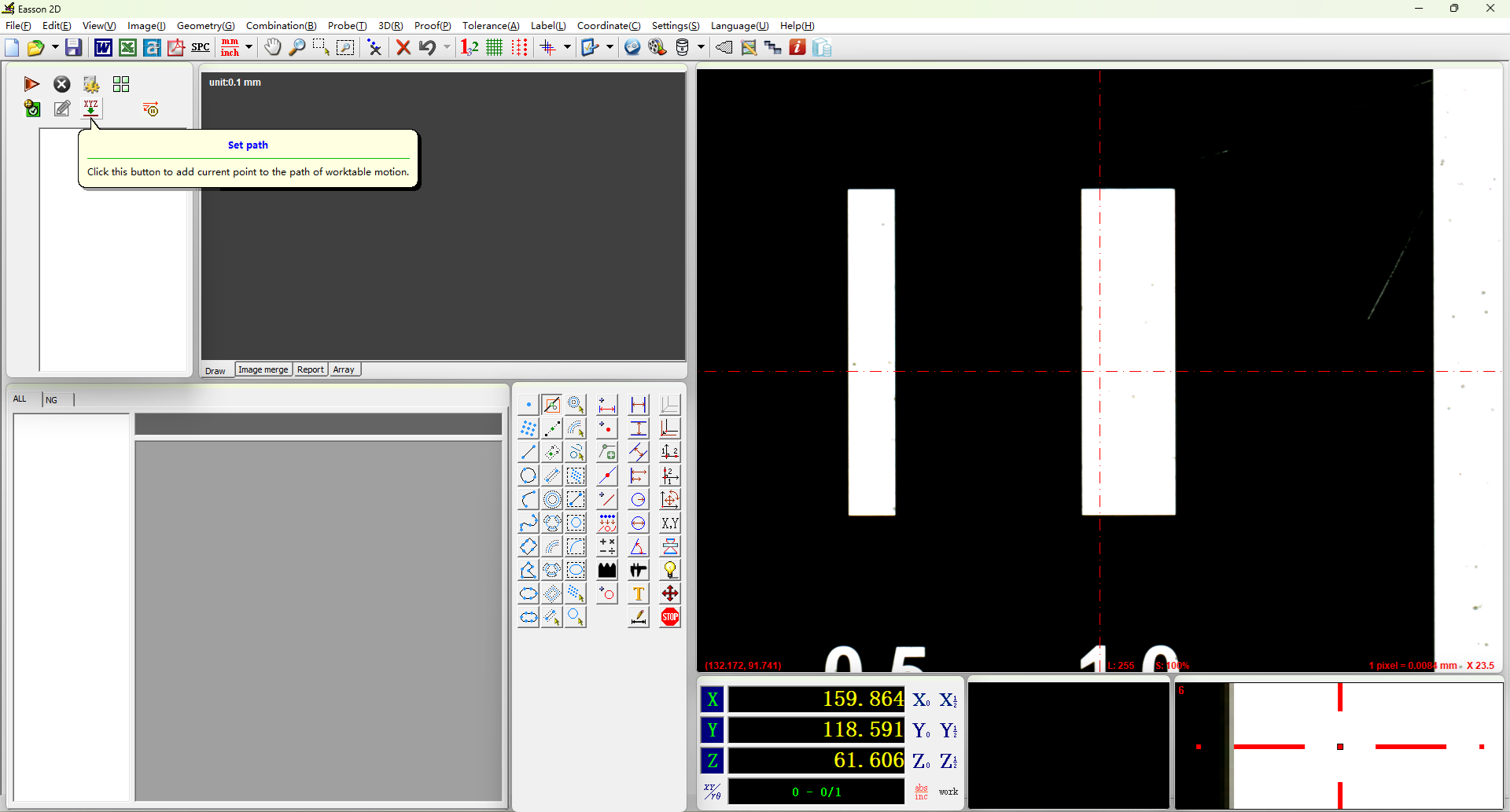
Positioning steps can be combined with automatically recorded measurement steps, allowing the entire measurement workflow to execute automatically in a preset sequence.